WhatsApp + ChatWoot - Overview
July 6, 2025 in ChatWoot, Apps by devlikeapro2 minutes

Overview
WAHA provides a seamless integration with Chatwoot, allowing you to manage your WhatsApp communications through a powerful customer service platform. This overview highlights the key features and capabilities of the integration.
ChatWoot Articles
👉🏻 Series of articles about WhatsApp and ChatWoot integration using 🧩 ChatWoot App.
You can follow them one by one or skip some parts if you don’t need them.
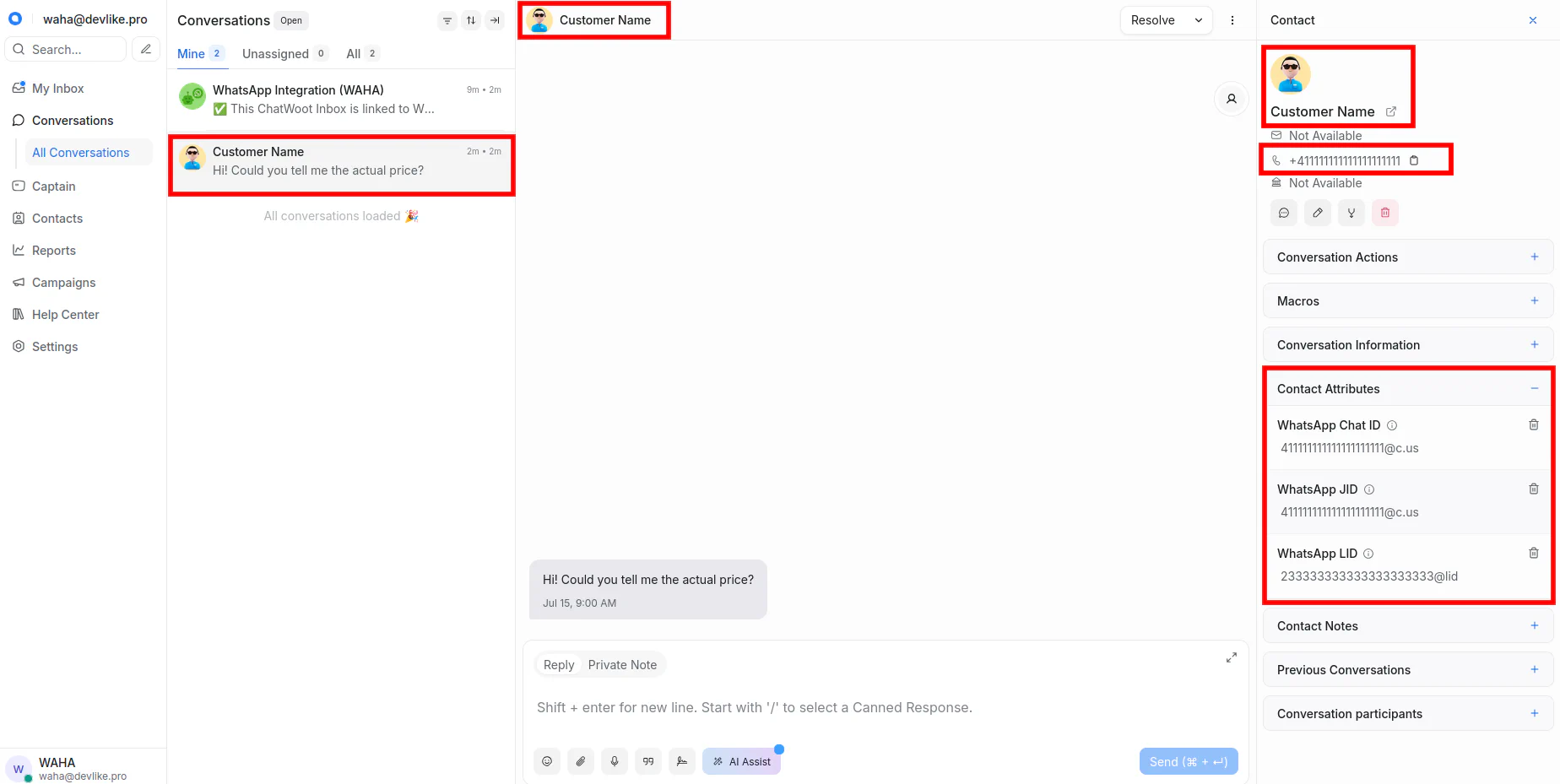
Contacts
Sync Contacts
Read how to sync your WhatsApp address book with wa/contacts pull in the WhatsApp + ChatWoot - Contacts Guide.
Messages
Sync Message History
Need to backfill chats? See wa/messages pull examples in the WhatsApp + ChatWoot - Messages Guide.
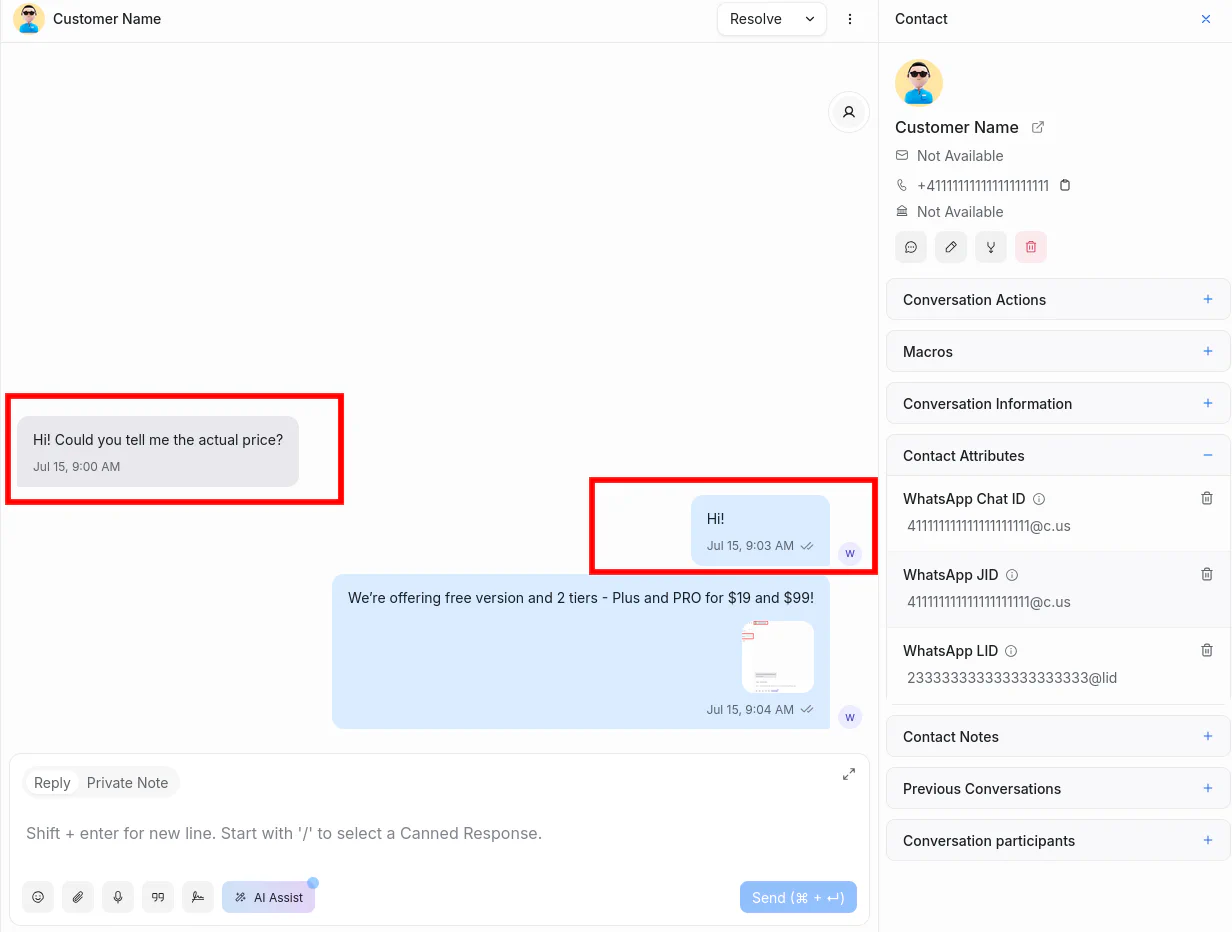
Send and receive text messages:
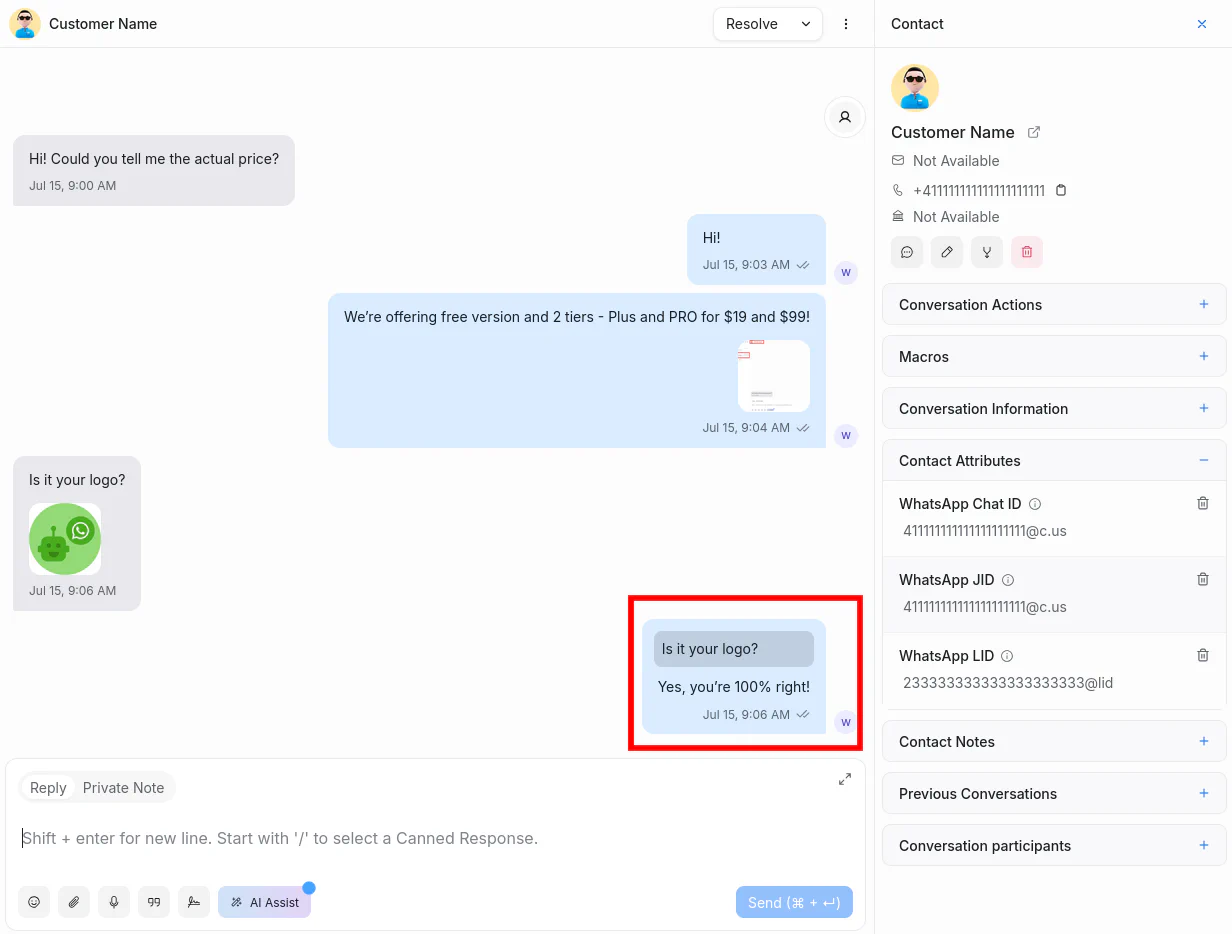
Reply to specific messages:
Receive media files from WhatsApp:
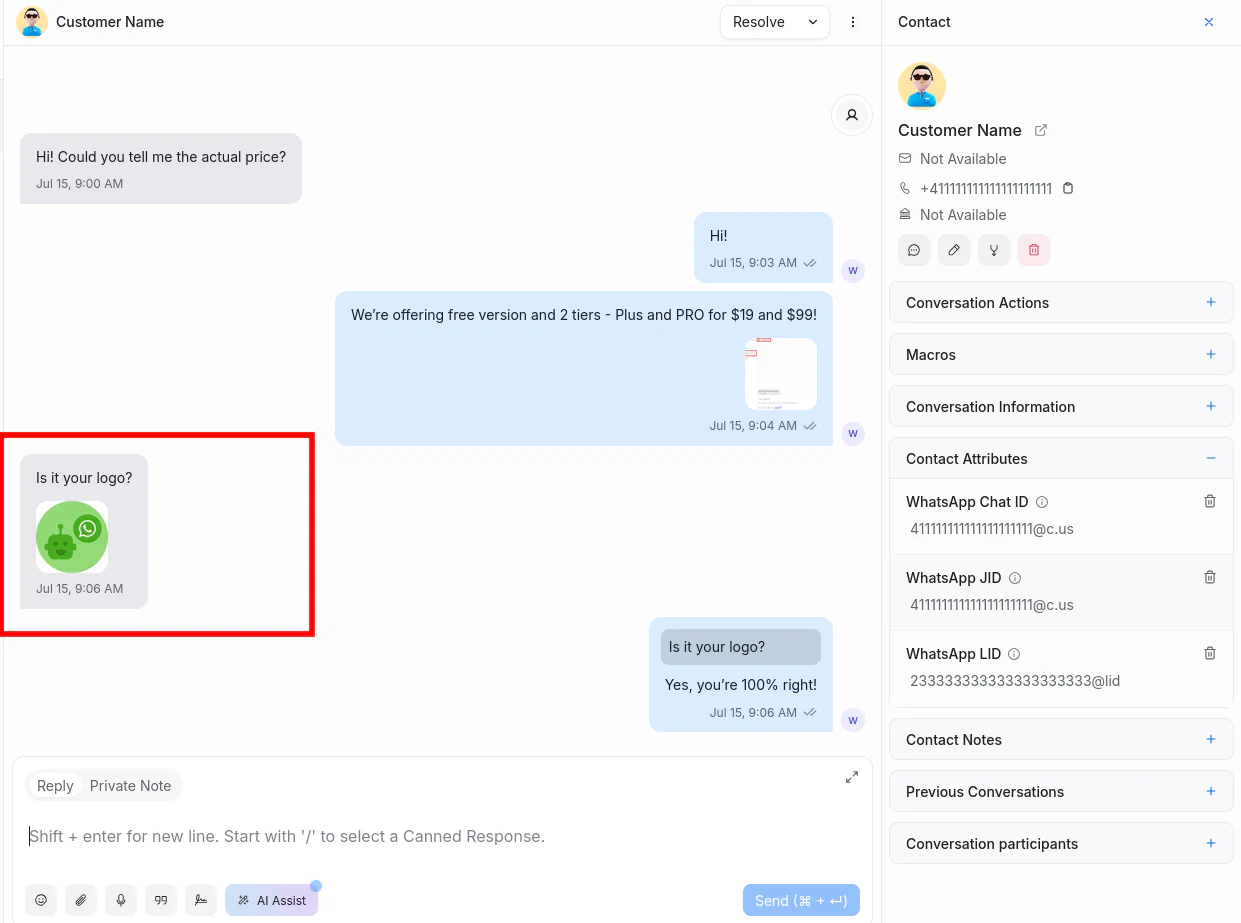
Send media files through Chatwoot (available in ➕ WAHA Plus)
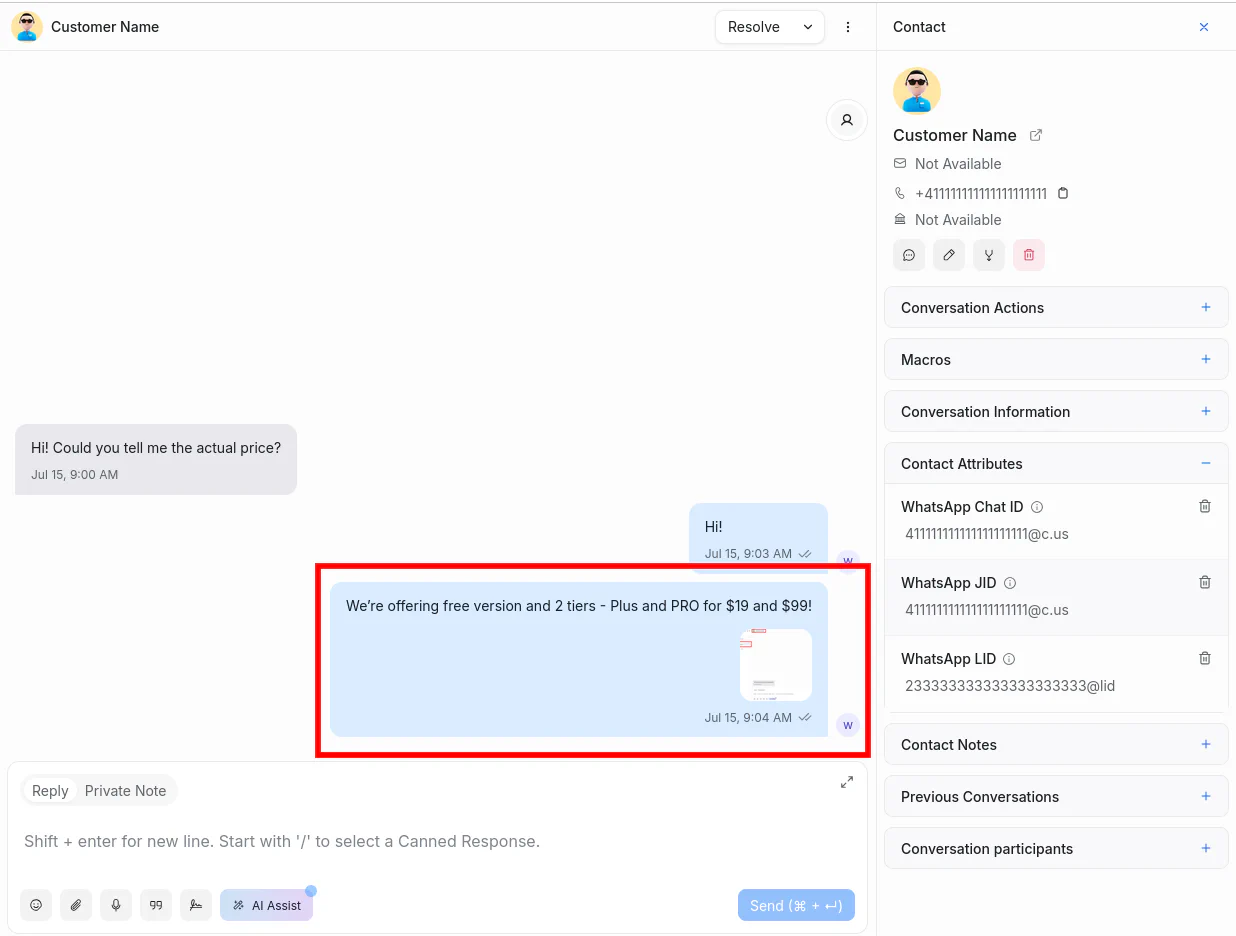
View message reactions from WhatsApp:
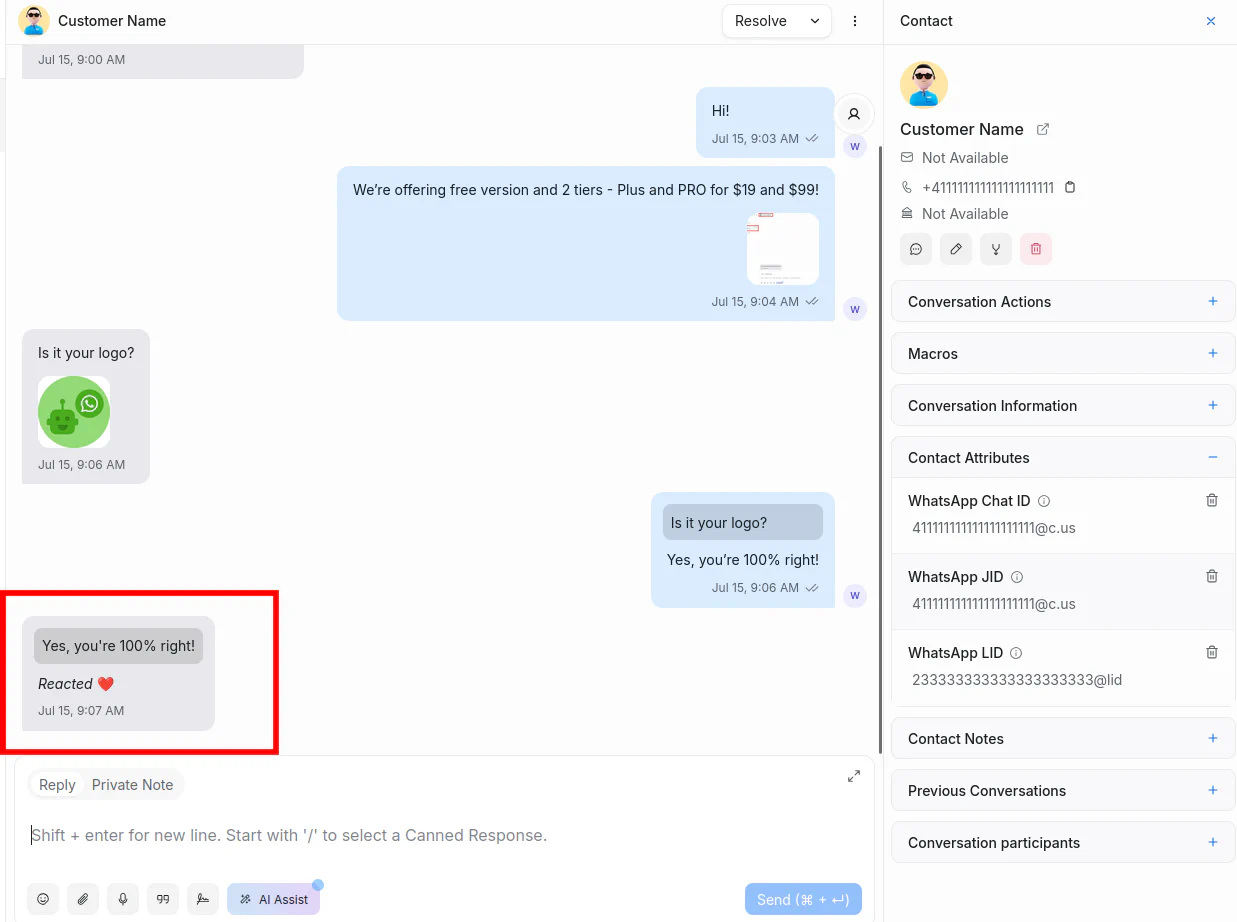
Messages from WhatsApp are displayed in Chatwoot:
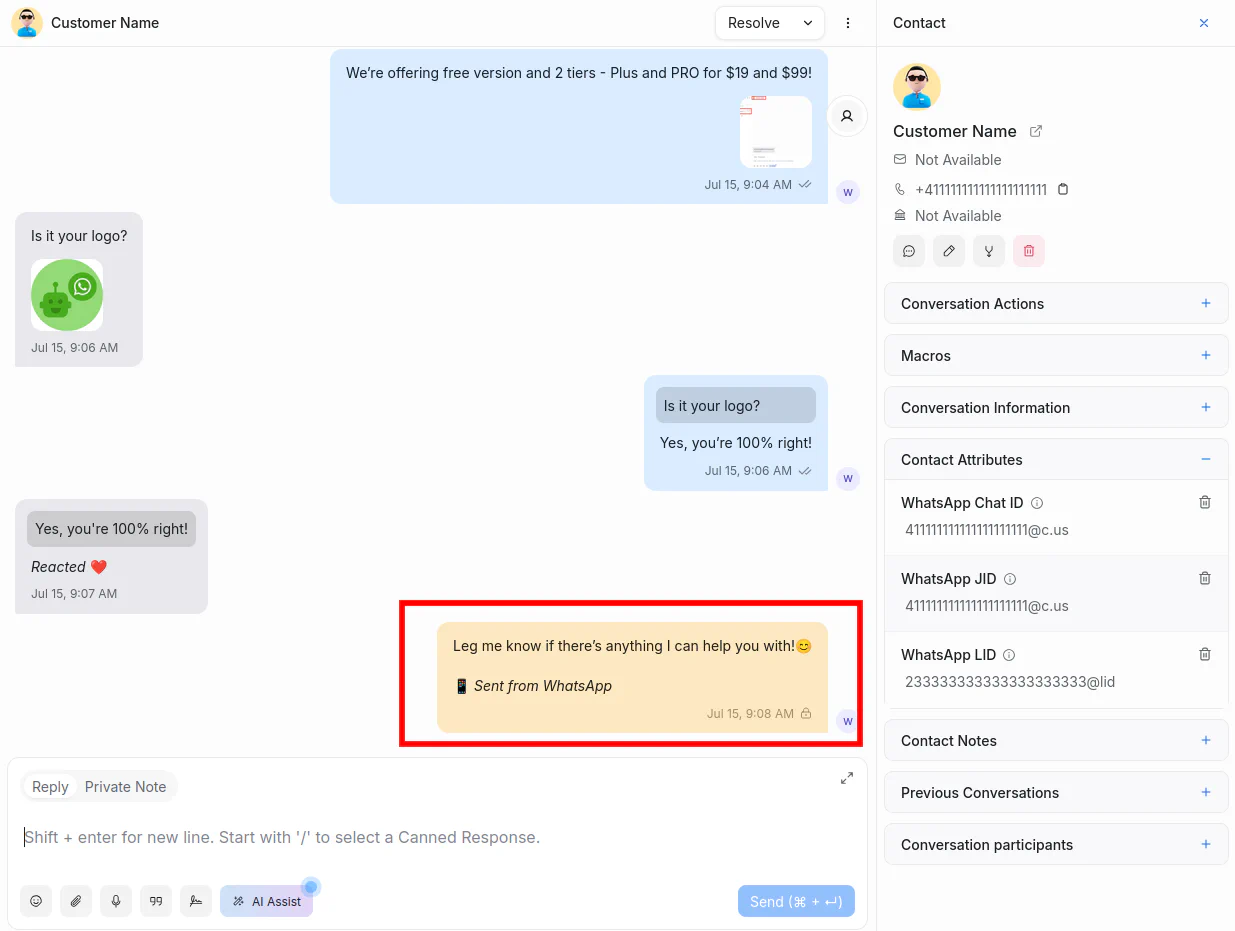
Deleted messages in WhatsApp are marked accordingly:
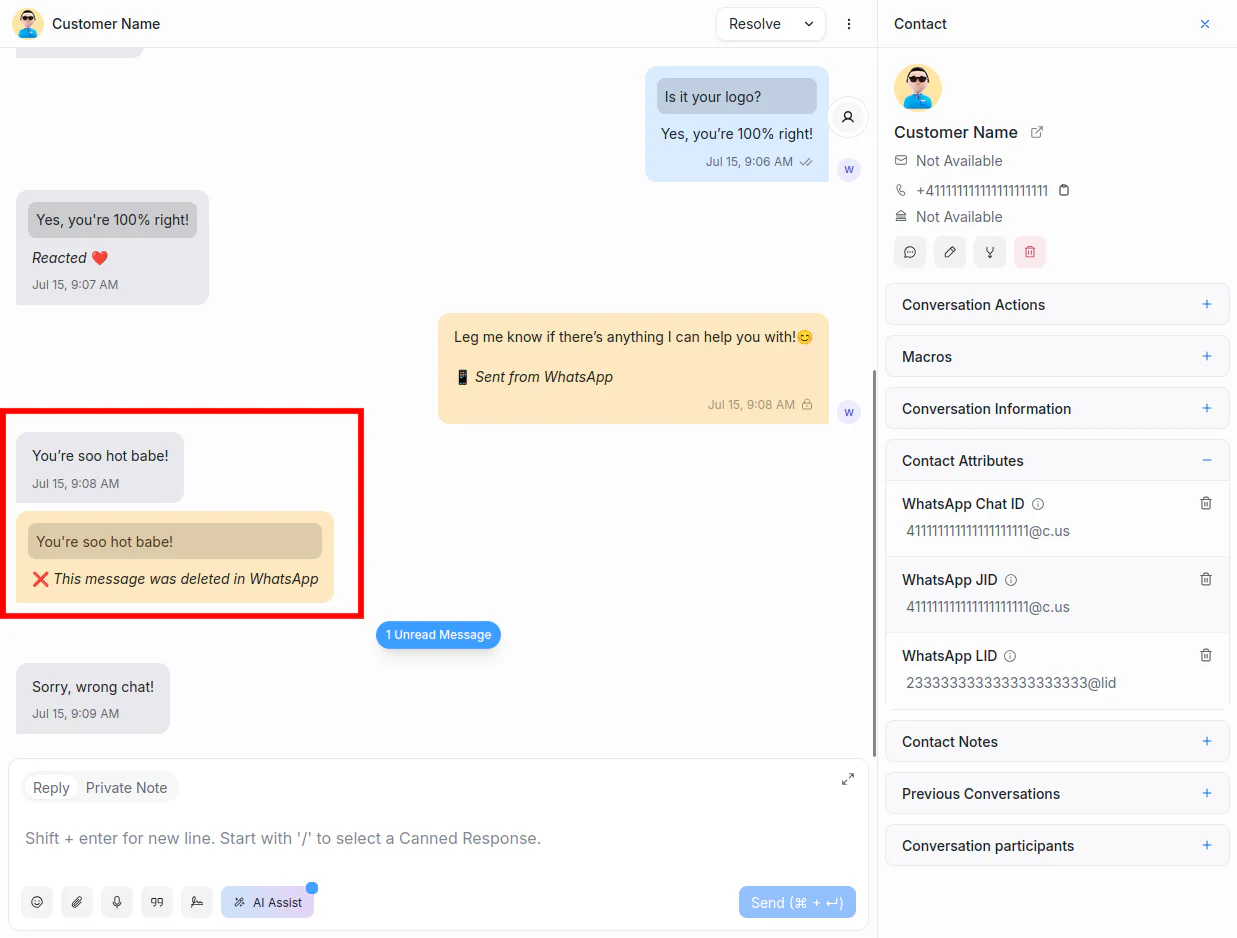
Delete messages in Chatwoot:
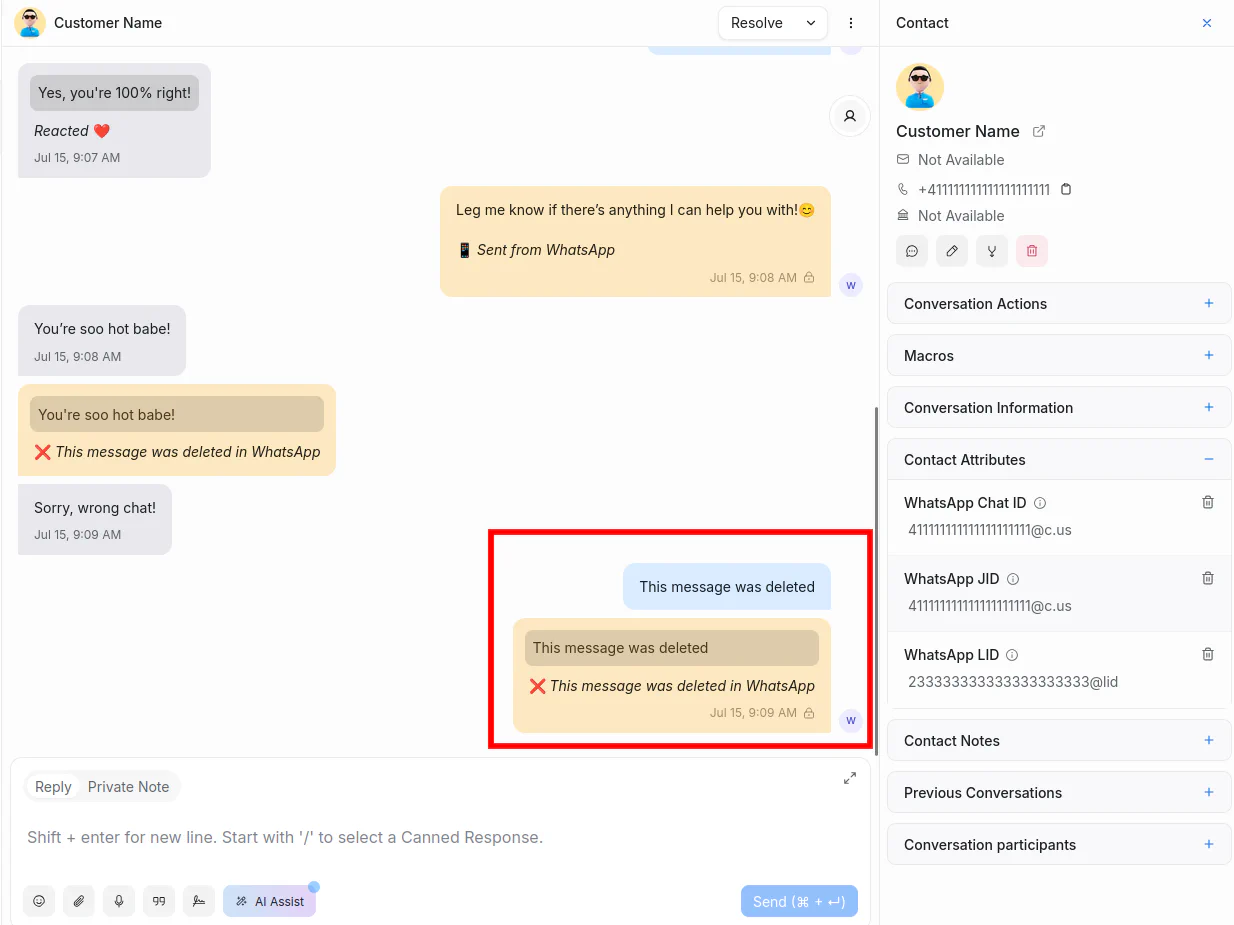
Add private notes visible only to agents:
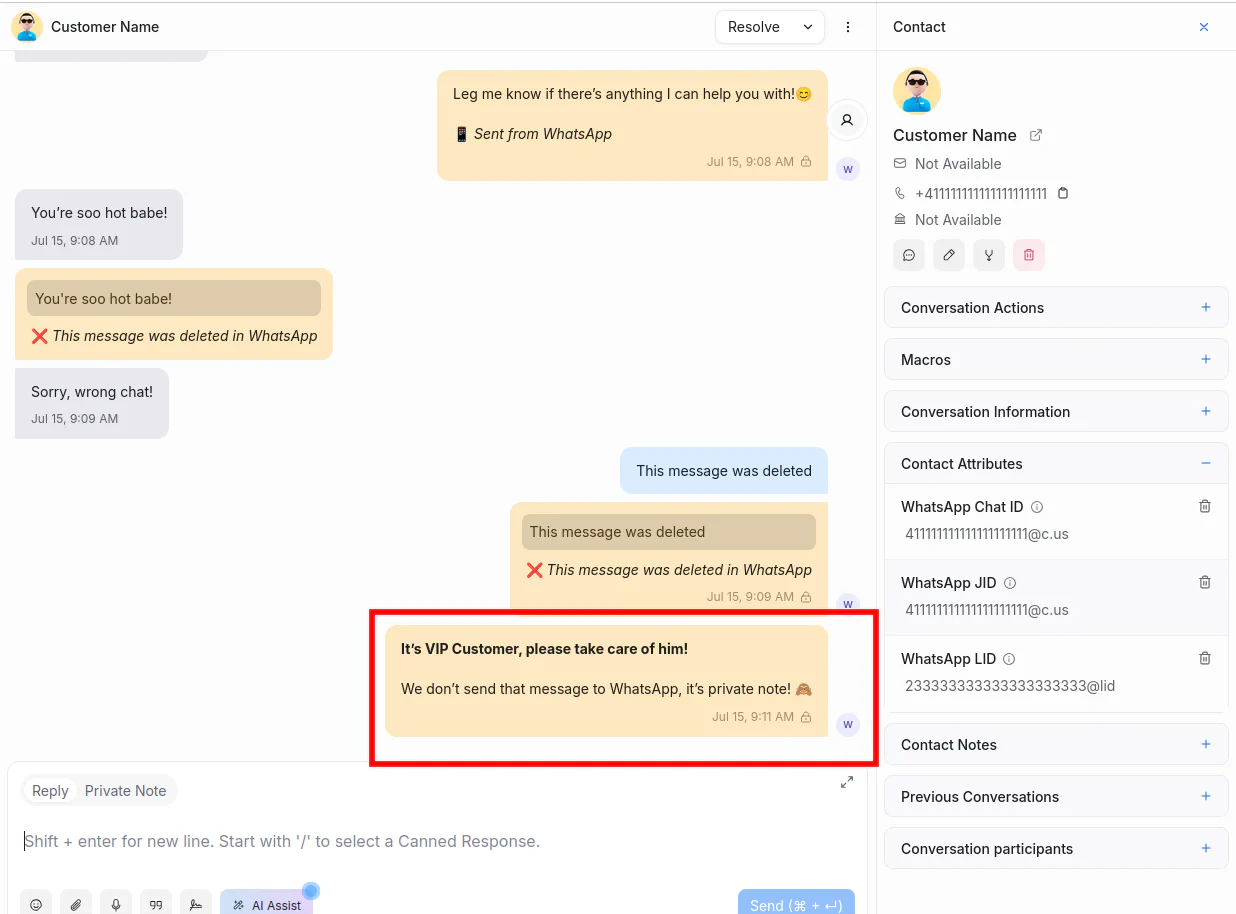
Languages
You can set your language when creating a Chatwoot App in the WAHA Dashboard:
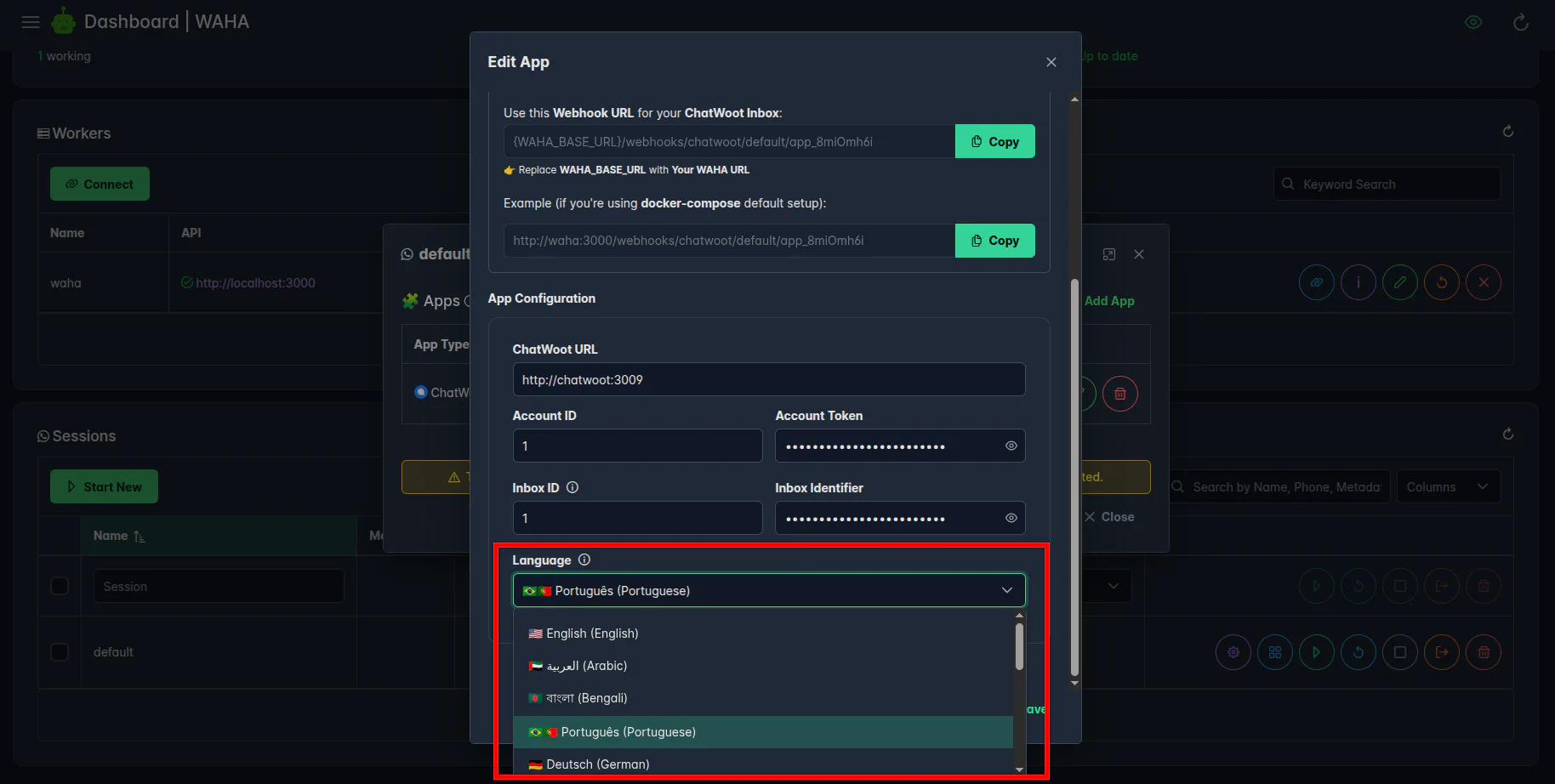
You’ll receive notification messages in the selected language in Chatwoot:
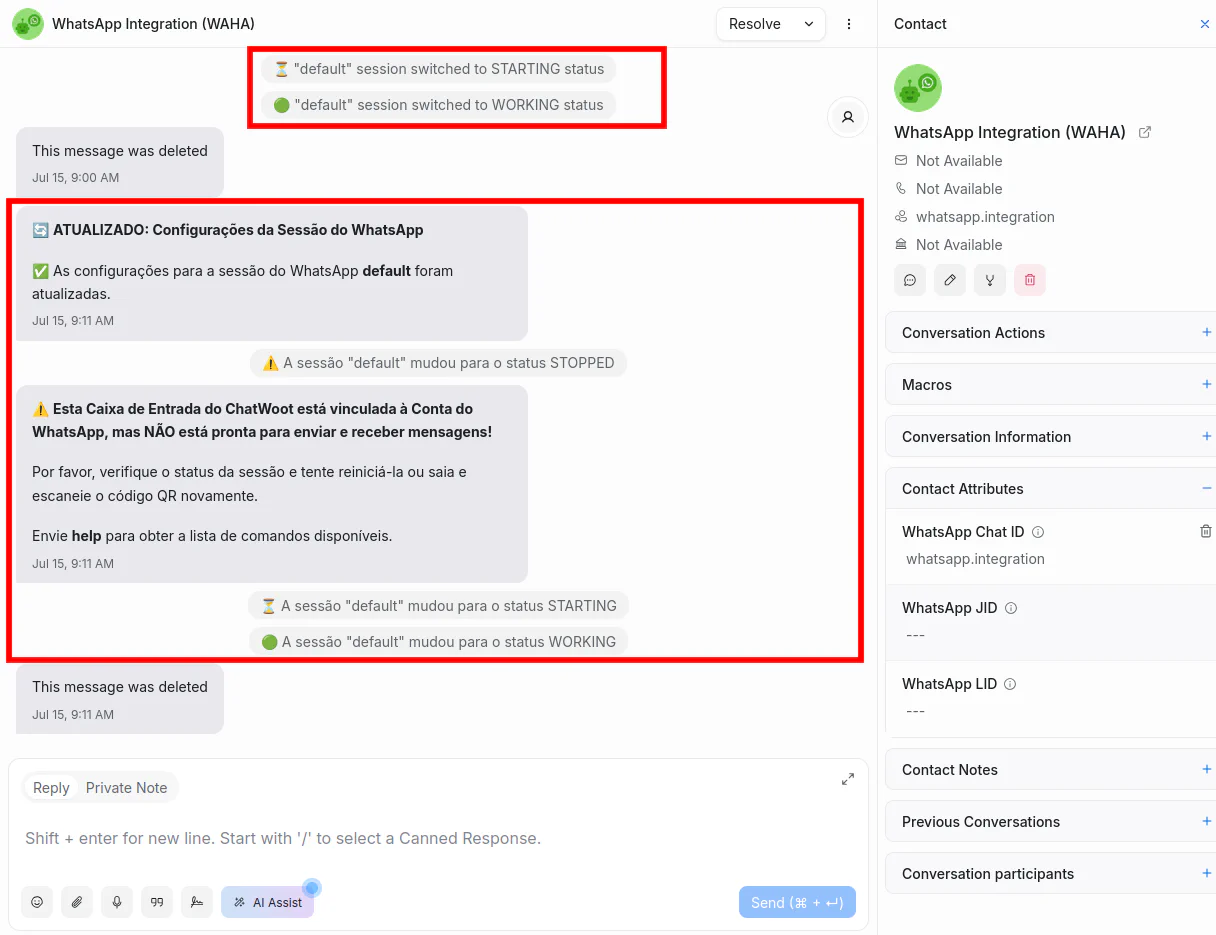
Commands
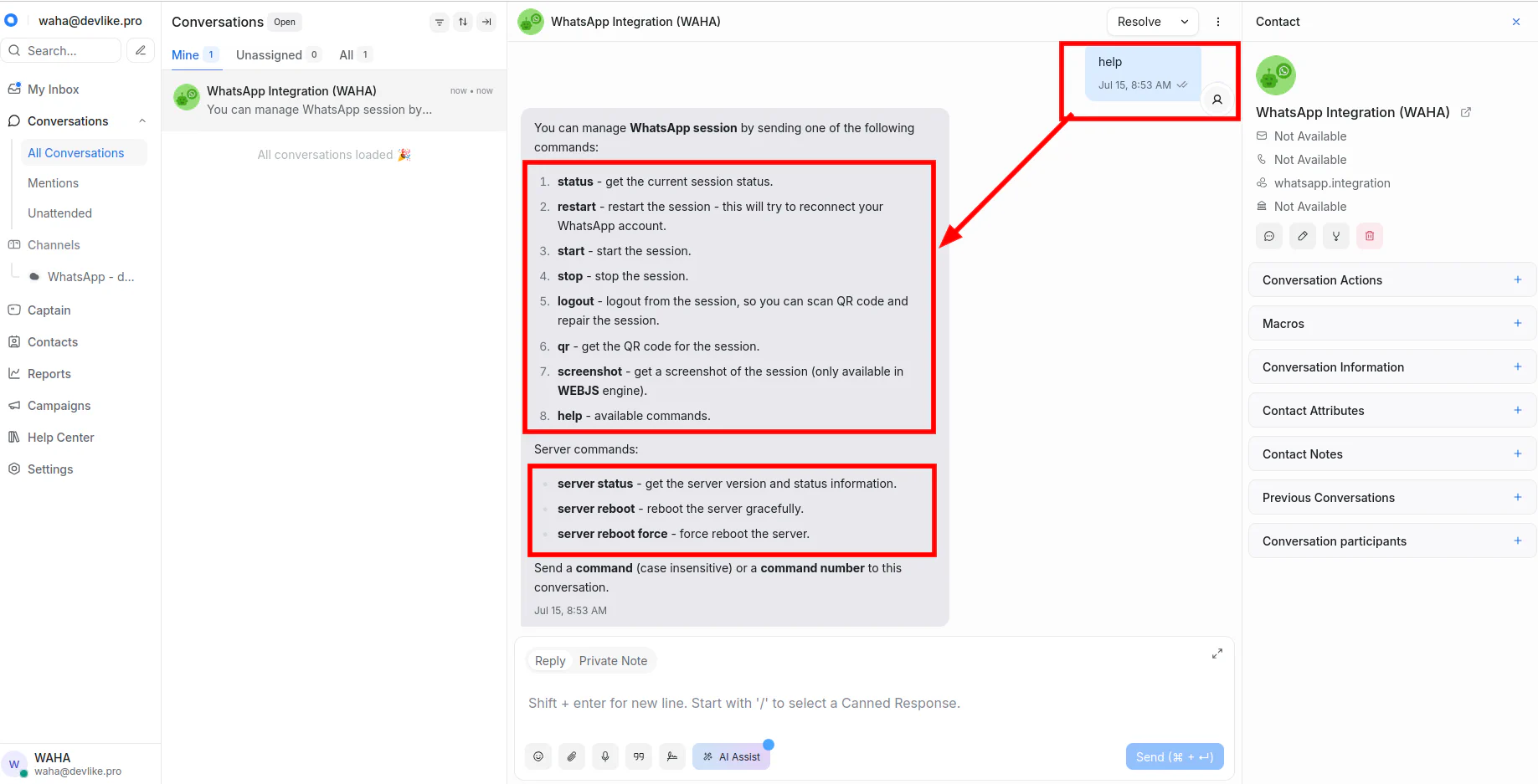
Use the help command to see available commands in WhatsApp Integration (WAHA) conversation:
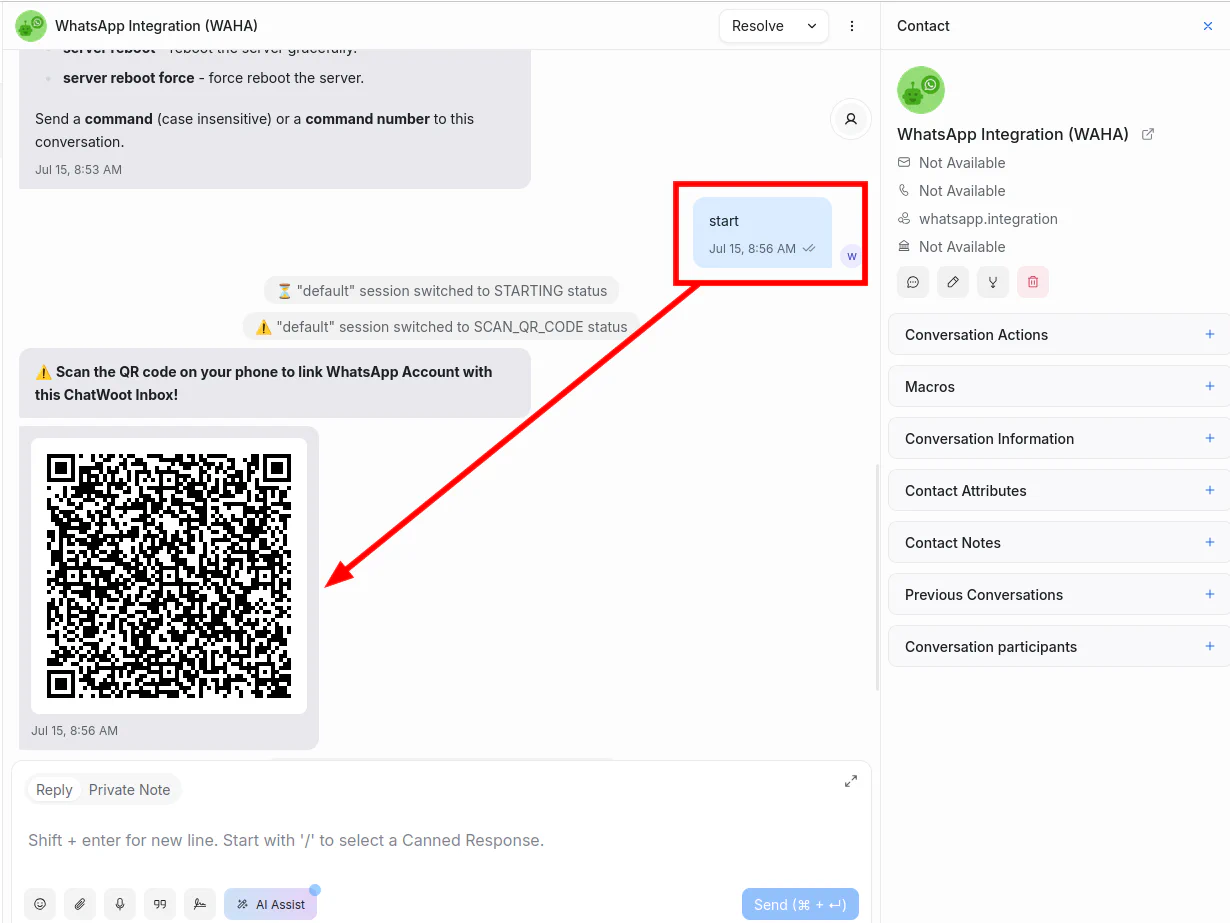
Scan QR code to connect WhatsApp:
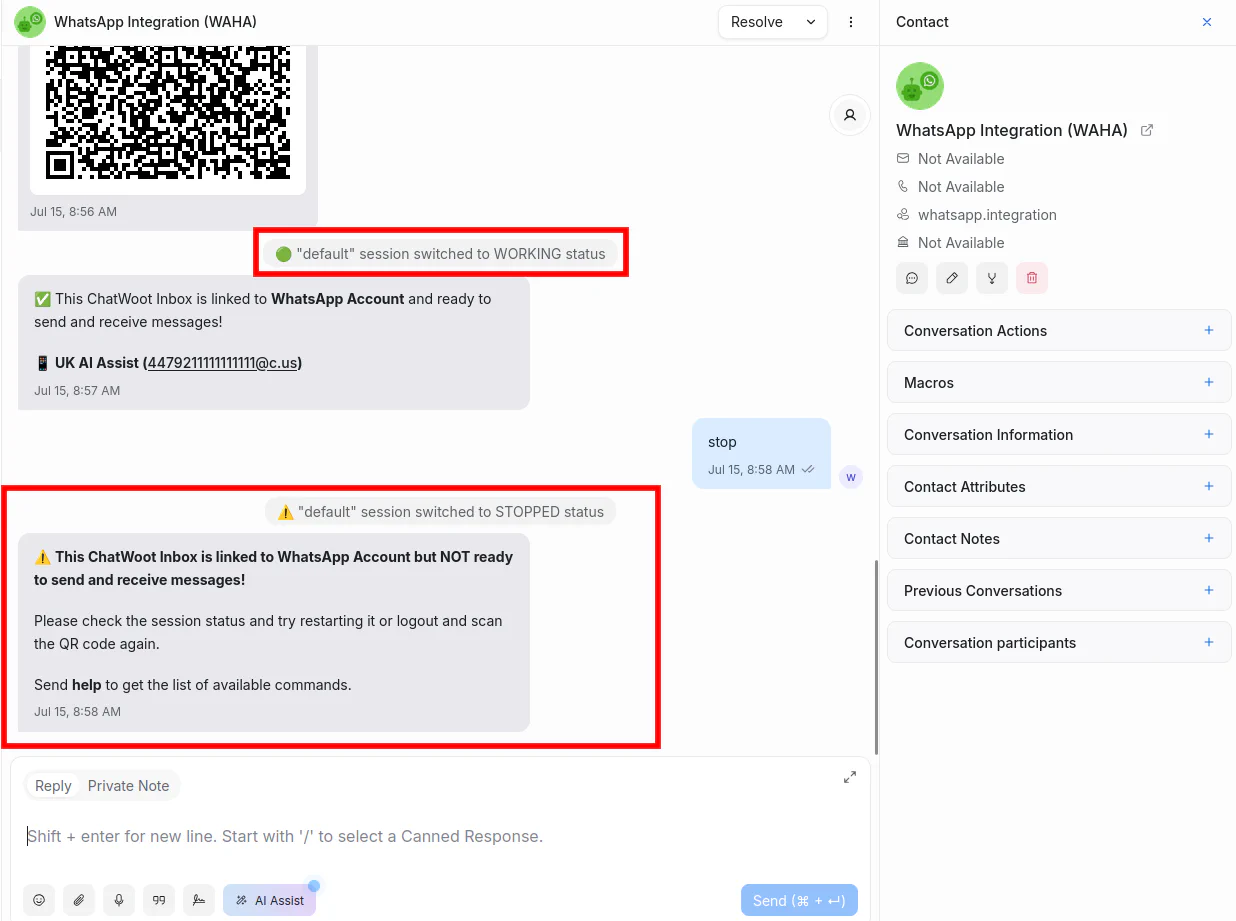
Get session status updates in Chatwoot:
Error Handling
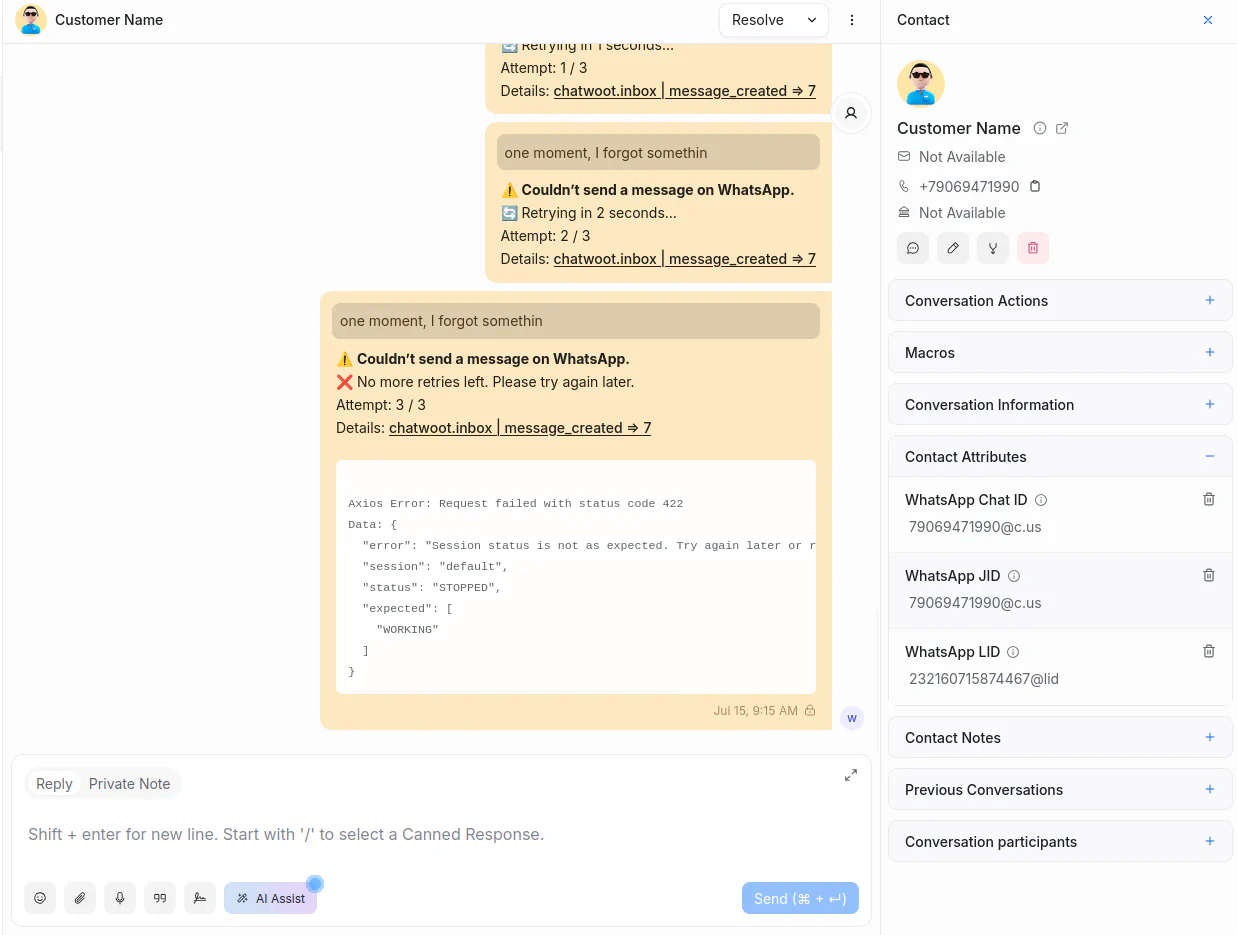
In case of any errors, WAHA retries a few times and then gives detailed information about the error:
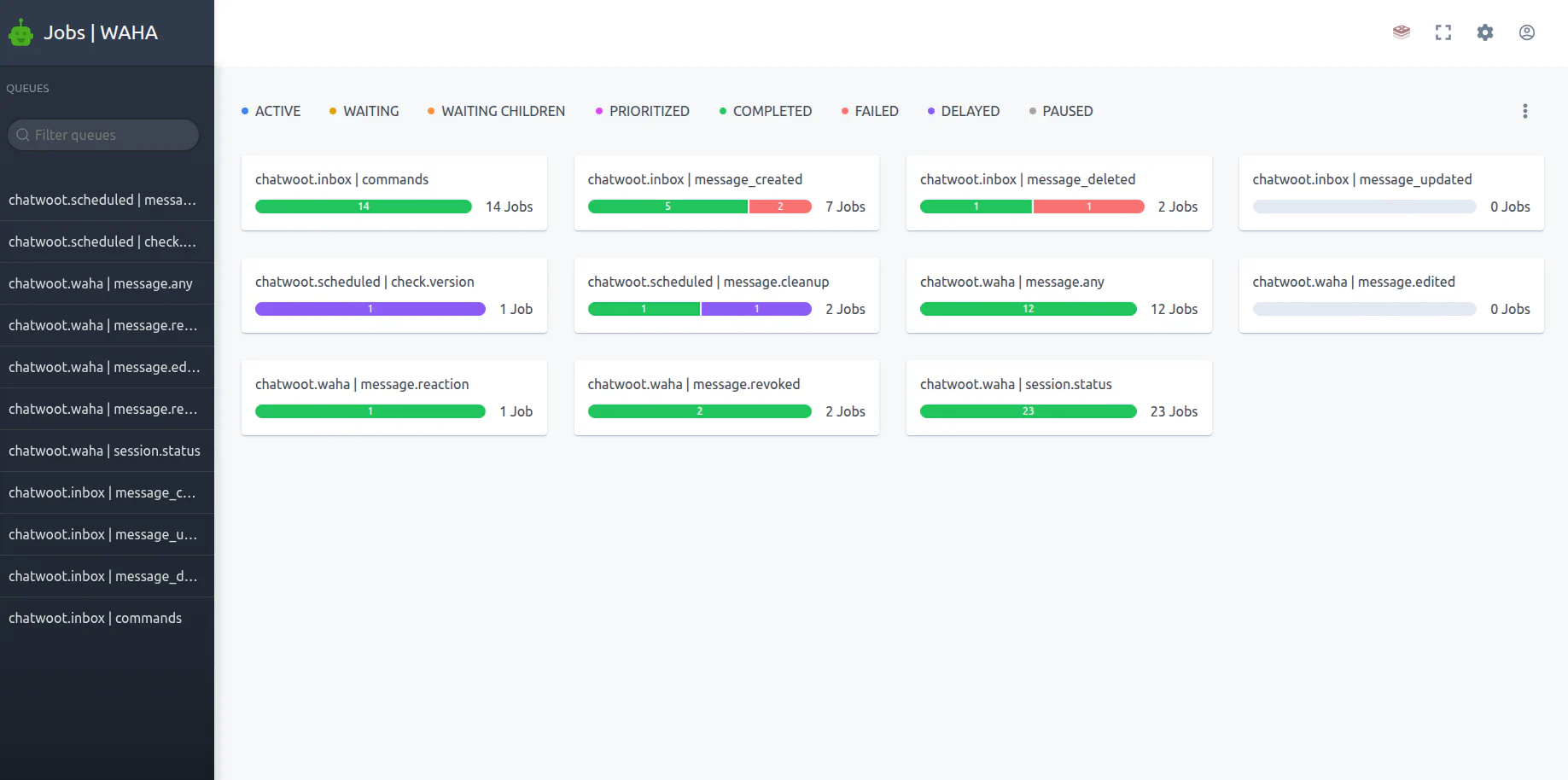
You can use the WAHA Jobs Dashboard at http://localhost:3000/jobs for monitoring: